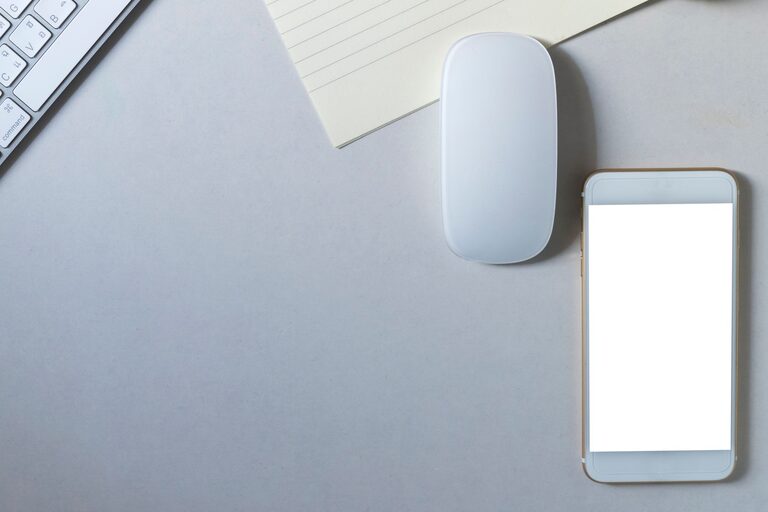
Keeping your phone and keyboard clean is essential not only for hygiene but also for maintaining their functionality and appearance. These devices are among the most frequently touched items throughout the day, making them prone to accumulating dirt, oils, and germs. However, cleaning them improperly can cause damage or affect performance. This guide will walk you through safe and effective ways to clean your phone and keyboard.
Why Cleaning Your Devices Matters
Phones and keyboards collect dust, sweat, oils, food particles, and microbes from regular use. Over time, this buildup can lead to:
– Sticky or unresponsive keys
– Reduced touchscreen sensitivity
– Unpleasant odors
– Increased risk of spreading germs
Regular cleaning not only keeps devices looking fresh but also helps prolong their lifespan.
—
General Tips Before You Start Cleaning
Before diving into the cleaning process, keep these considerations in mind:
– Turn off and unplug devices. This prevents accidental inputs or short circuits.
– Use gentle cleaning agents. Harsh chemicals can damage screens or plastic components.
– Avoid excess moisture. Liquids should never drip inside the device.
– Use soft, lint-free cloths. Microfiber cloths are ideal to avoid scratches.
– Be patient and thorough. Take your time to clean every part carefully.
—
How to Safely Clean Your Phone
Phones are delicate and have sensitive touchscreens and ports. Here’s how to clean them properly.
What You'll Need
– Microfiber cloth
– Isopropyl alcohol (70% or less) or disinfecting wipes safe for electronics
– Cotton swabs
– Compressed air (optional)
– Distilled water (for diluted cleaning solution)
Step-by-Step Guide
- **Power down your phone.** Turn it off and unplug any cables.
- **Remove the case and accessories.** Clean these separately with soap and water.
- **Wipe the screen and body.** Lightly dampen a microfiber cloth with a 70% isopropyl alcohol solution or use disinfecting wipes safe for electronics. Gently wipe all surfaces without applying heavy pressure.
- **Clean small crevices and ports.** Use a dry cotton swab or compressed air to remove debris from charging ports, speaker grills, and buttons. Avoid inserting anything sharp or excessive force.
- **Dry thoroughly.** Allow your phone to air dry completely before turning it back on or attaching accessories.
Tips for Phone Cleaning
– Avoid using bleach, window cleaners, or household cleaners.
– Do not spray liquids directly onto your phone. Always apply to the cloth first.
– Clean your phone regularly, especially during cold and flu season.
—
How to Safely Clean Your Keyboard
Keyboards get dirty from dust, skin oils, and food crumbs. Cleaning them correctly helps maintain functionality and hygiene.
What You'll Need
– Soft brush or compressed air
– Microfiber cloth
– Isopropyl alcohol (70%) or disinfecting wipes
– Cotton swabs
Step-by-Step Guide
- **Unplug the keyboard or turn off your wireless keyboard.**
- **Shake out loose debris.** Turn the keyboard upside down and gently shake it to remove crumbs and dust.
- **Use compressed air or a soft brush.** Blow air between the keys or brush off dust and particles.
- **Clean key surfaces.** Lightly dampen a microfiber cloth with isopropyl alcohol or use disinfecting wipes to clean the tops of the keys and flat surfaces.
- **Detail clean the edges and between keys.** Use a cotton swab dipped in alcohol to reach tight spaces. Avoid excess liquid to prevent damage.
- **Allow to dry completely** before reconnecting or powering on.
Tips for Keyboard Cleaning
– For mechanical keyboards, consider removing keycaps for a deeper clean (consult your keyboard’s manual).
– Avoid eating near your keyboard to reduce buildup.
– Regularly clean your keyboard, especially if you share it with others.
—
Additional Considerations for Device Care
– Use a screen protector and keyboard covers. These make cleaning easier and protect surfaces.
– Wash your hands before using devices. This reduces dirt and germs transferred to devices.
– Store devices in clean environments. Avoid dusty or humid areas.
– Clean cases and accessories regularly. These can accumulate grime and germs.
—
Conclusion
Cleaning your phone and keyboard safely is straightforward with the right tools and techniques. Regular maintenance keeps your devices looking good, functioning well, and reduces germs. Always be gentle, avoid harsh chemicals, and never use excess moisture. Following these steps will help your devices serve you well for years to come.
—
Remember: clean devices are happy devices!